HackTheBox: PhishNet Sherlock Writeup
Scenario
An accounting team receives an urgent payment request from a known vendor. The email appears legitimate but contains a suspicious link and a .zip attachment hiding malware. Your task is to analyze the email headers, and uncover the attacker's scheme.
We a provided with the file: email.eml
1. What is the originating IP address of the sender?
A. 45.67.89.10
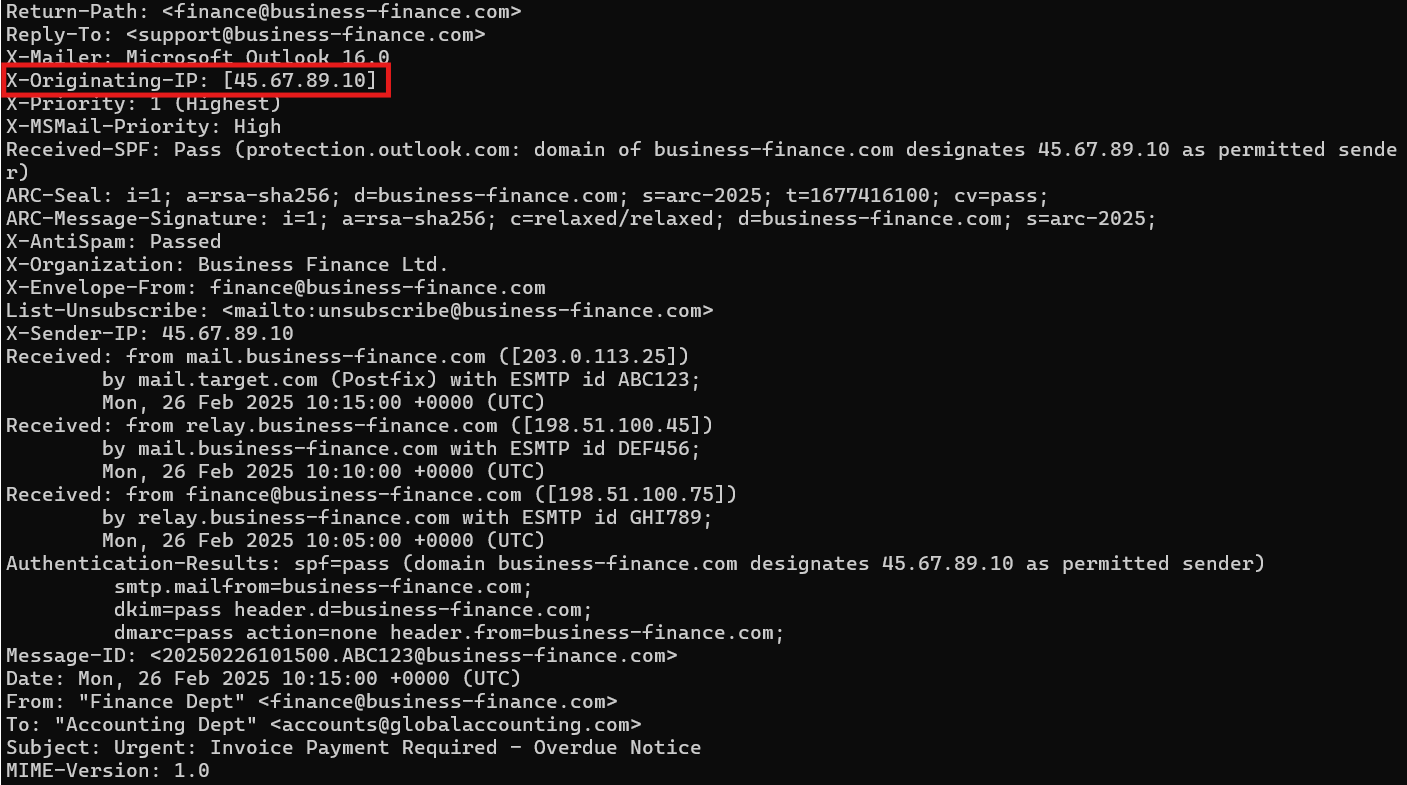
To identify the originating IP address of the sender, we check the .eml file using the cat command to output its raw content. The image above shows the output of the email header which reveals the X-Originating-IPheader as well as the IP address. This IP can also be found in the X-Sender-IP header. While both headers serve a similar purpose by recording the IP address associated with the sender, they come from different sources.
X-Originating-IPlogs where the message came from when it entered the mail server. It is typically more trustworthy as it is added by the mail serverX-Sender-IPis added by the sending mail server. This can be self reported meaning it could be spoofed or manipulated.
2. Which mail server relayed this email before reaching the victim?
A. 203.0.113.25
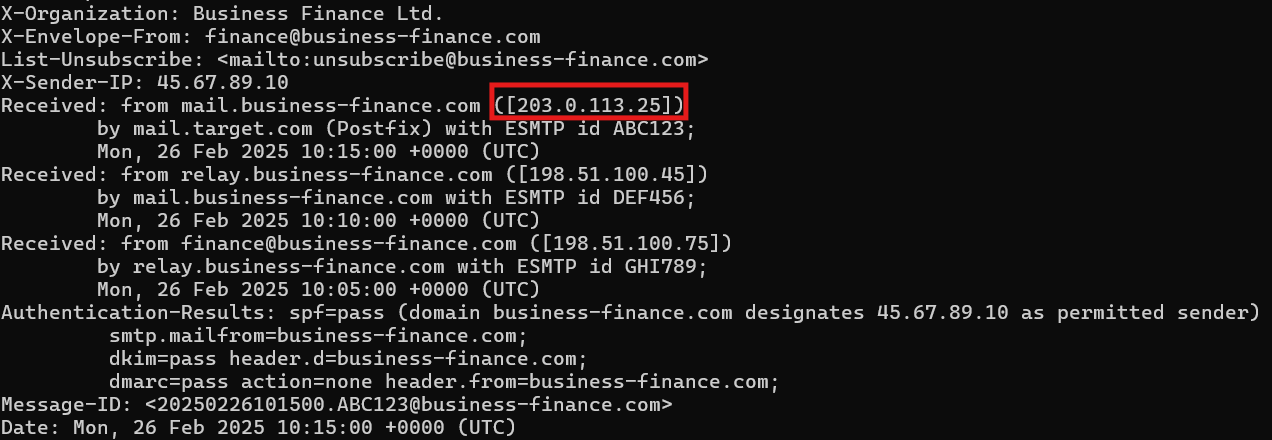
Analyzing the Received: headers, we can see the full path of the email from its origin to reaching the victim's inbox. These must be viewed from bottom to top.
- The email was first submitted by the client at
198.51.100.75which is identified asfinance@business-finance.com. The client then sent the message to the relay server - The relay server,
198.51.100.45, forwarded the message to the mail servermail.business-finance.com - The mail server at
203.0.113.25delivered the message to the victim's mail servermail.target.com.
3. What is the sender's email address?
A. finance@business-finance.com
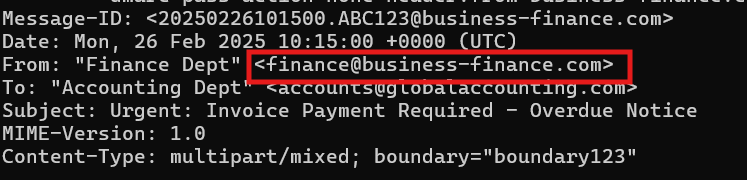
Checking the From: header will reveal the sender's email address. It is important to note that this field can easily be spoofed.
4. What is the 'Reply-To' email address specified in the email?
A. support@business-finance.com
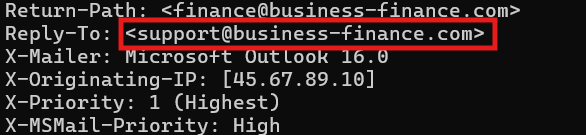
Checking the Reply-To: will reveal the email address. Note that the email in this header is different from the From: header address. This is a common phishing technique. Attackers typically use a sending email only used to send mass phishing emails. Having the Reply-To: header be different allows for replying messages to be redirected to a mailbox that is actively monitored for responses. In a legitimate email, the finance department sending an invoice would want replies to go back to that same address. There is no reason for replying mail to be sent to a different address unless used for a phishing attack.
5. What is the SPF (Sender Policy Framework) result for this email?
A. Pass

SPF stands for Sender Policy Framework. It is an authentication mechanism that validates IP addresses and hosts that can be considered authentic email. When the mail server gets an email, it checks to see if the IP address is allowed to send main for the domain. The result is the SPF check. Pass indicates that the sending IP is authorized by the SPF record. If the sending IP is not authorized, it will result in a Fail.
Note: Just because SPF passes does not mean the email is safe. It means that the sending IP is authorized for that domain.
6. What is the domain used in the phishing URL inside the email?
A. secure.business-finance.com

The URL embedded in the HTML is hxxps[://]secure[.]business-finance[.]com/invoice/details/view/INV2025-0987/payment (defanged). The domain is typically found after the protocol. In this case, it comes after https:// . The domain is secure.business-finance.com . Adding the secure domain can add a false sense of legitimacy since the word "secure" can be seen as trustworthy.
7. What is the fake company name used in the email?
A. Business Finance Ltd.

8. What is the name of the attachment included in the email?
A. Invoice_2025_Payment.zip

9. What is the SHA-256 hash of the attachment?
A. 8379c41239e9af845b2ab6c27a7509ae8804d7d73e455c800a551b22ba25bb4a

After opening the email, we can save the attachment to any folder and run the sha256sum command to retrieve the SHA-256 hash of the attachment.
10. What is the filename of the malicious file contained within the ZIP attachment?
A. invoice_document.pdf.bat

The zip file can be opened on any application that can unzip files. In the image above we can see the file inside the .zip.
11. Which MITRE ATT&CK techniques are associated with this attack?
A. T1566.001
This is a spear phishing attack where the victim is tricked into clicking the malicious .bat attachment. Looking this up will lead you to the following MITRE ATT&CK page: https://attack.mitre.org/techniques/T1566/001/